> ## Documentation Index
> Fetch the complete documentation index at: https://docs.vapor.build/llms.txt
> Use this file to discover all available pages before exploring further.
# Sentry
> Integrate Sentry error monitoring with Laravel Vapor.
## Overview
[Sentry](https://sentry.io) provides error monitoring and tracing for Laravel applications. Vapor has partnered with Sentry to allow you to create new Sentry organizations without leaving Vapor.
After creating your Sentry organization, you may easily add Sentry error monitoring to any of your Vapor projects.
## Connect with Sentry
Before you can use Sentry with Vapor, you must connect your Vapor account to a Sentry account. To do this,
visit the [Sentry panel](https://vapor.laravel.com/app/team/settings/sentry-organization) in the team settings dashboard.
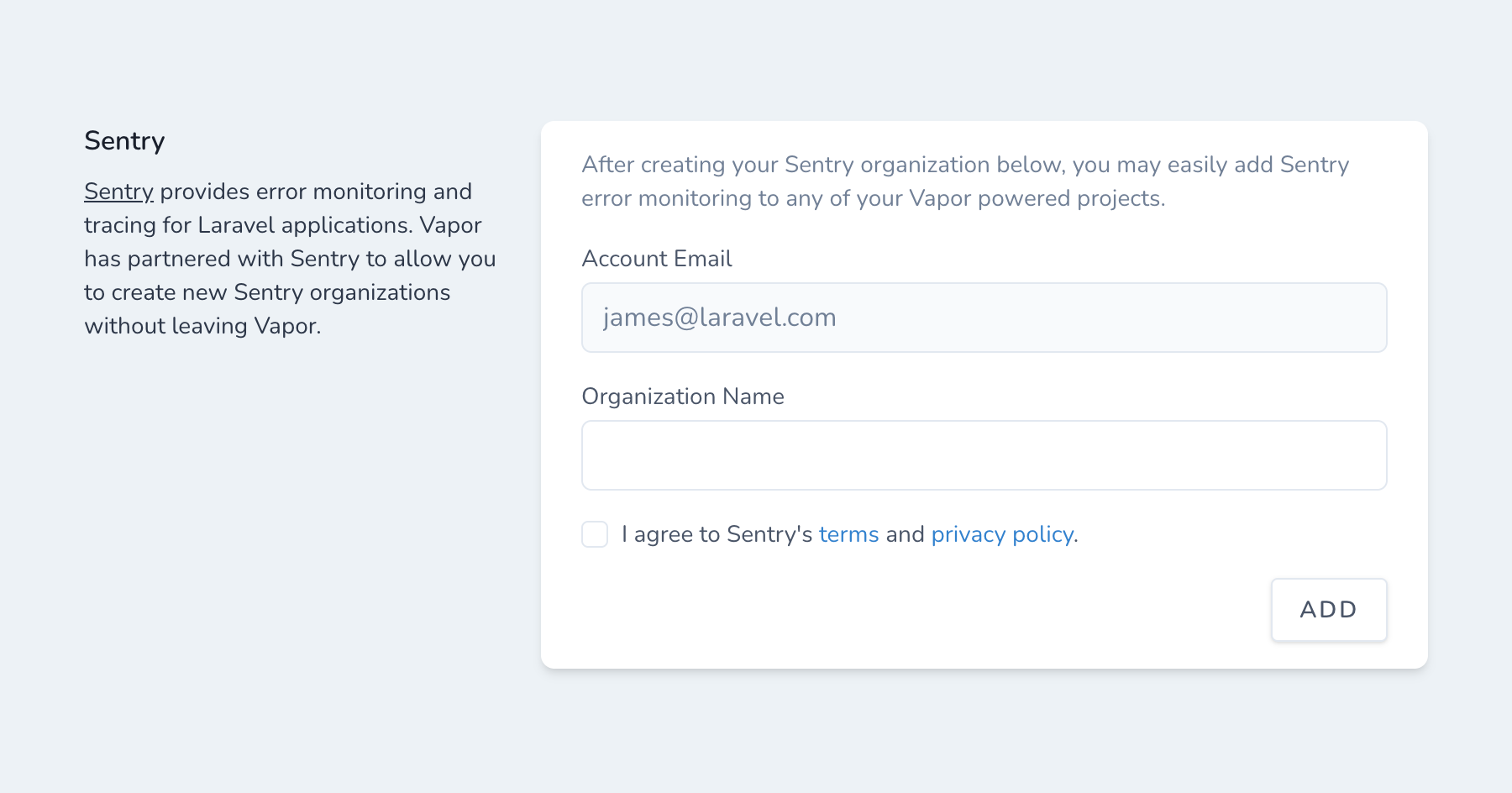 Clicking "Connect with Sentry" will create a new, Vapor-linked Sentry organization with the email address shown under
"Sentry Account Email". You will receive an email from Sentry confirming your new organization.
It is not possible to use an existing Sentry organization with the Vapor integration. Vapor created Sentry projects will be added
to the new organization.
## Creating Sentry Projects
Vapor allows you to create new Sentry projects directly from the Vapor dashboard. To create a new Sentry project,
visit the project's Sentry dashboard.
Clicking "Connect with Sentry" will create a new, Vapor-linked Sentry organization with the email address shown under
"Sentry Account Email". You will receive an email from Sentry confirming your new organization.
It is not possible to use an existing Sentry organization with the Vapor integration. Vapor created Sentry projects will be added
to the new organization.
## Creating Sentry Projects
Vapor allows you to create new Sentry projects directly from the Vapor dashboard. To create a new Sentry project,
visit the project's Sentry dashboard.
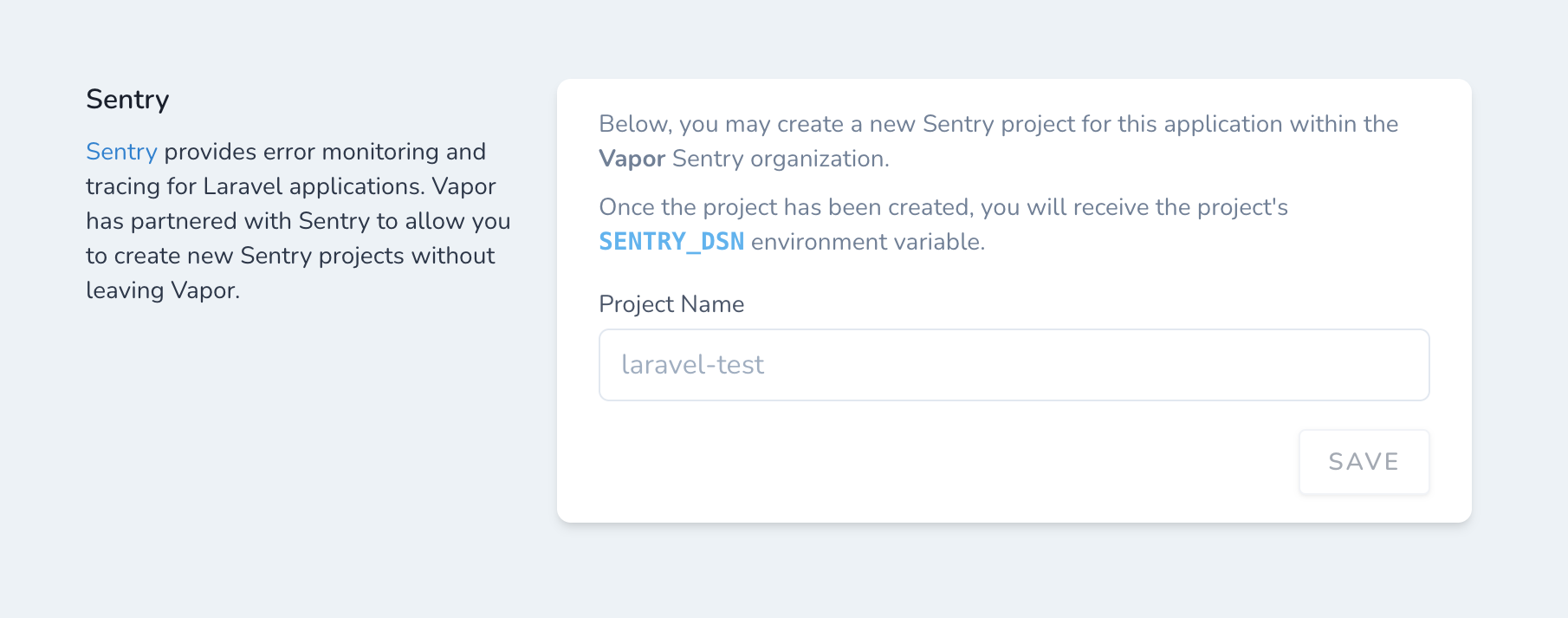 Clicking "Save" will create a new project within the team owner's connected Sentry organization.
Once the project is created, you will be provided with a DSN key that you may use to configure your Laravel application.
Vapor does not automatically install Sentry into your Laravel application. You should install the
[Sentry SDK for Laravel](https://github.com/getsentry/sentry-laravel) via Composer and define the `SENTRY_LARAVEL_DSN` environment variable.
Clicking "Save" will create a new project within the team owner's connected Sentry organization.
Once the project is created, you will be provided with a DSN key that you may use to configure your Laravel application.
Vapor does not automatically install Sentry into your Laravel application. You should install the
[Sentry SDK for Laravel](https://github.com/getsentry/sentry-laravel) via Composer and define the `SENTRY_LARAVEL_DSN` environment variable.